How to Take Nice Selfies: 12 Phone Tricks for Light, Angles and Expressions That Still Look Like You
A 5-minute selfie routine: window light, camera angle, timer tricks, relaxed expressions and light edits that keep your real skin texture. 12 tips you can try today.
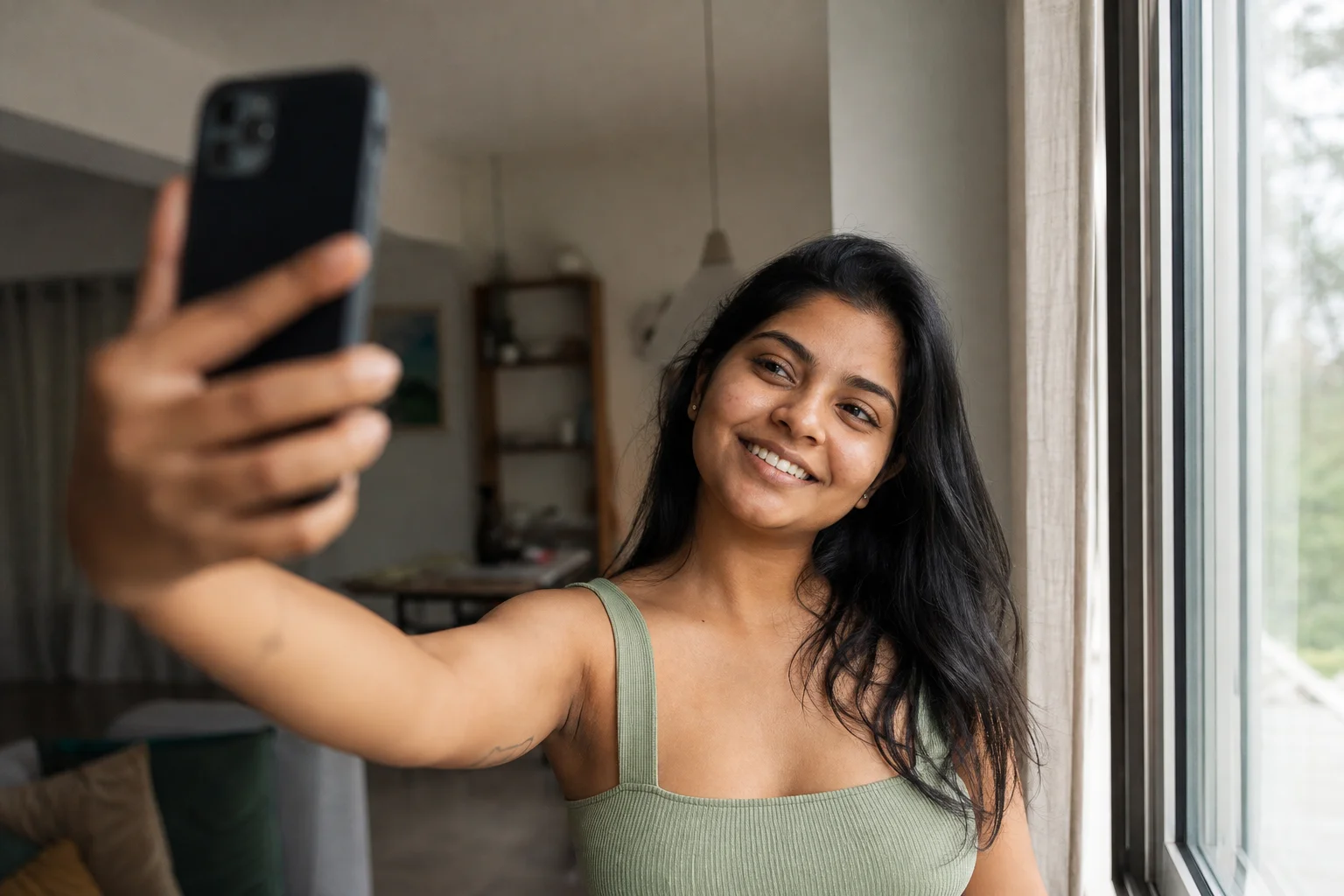
A nice selfie comes down to four things you can control in under five minutes: soft light on your face, a camera angle slightly above eye level, a relaxed (not posed) expression, and an edit that fixes exposure without erasing your skin texture. Everything below breaks that down into a routine you can actually run through before you post.
What Actually Makes a Selfie Look Good?
A selfie reads as "good" when the light is soft and even, the angle avoids the distortion of a phone held too close, the expression looks caught rather than performed, and any editing is light enough that you still look like yourself. Most selfies that feel "off" fail at one of these four points, not all of them, which is why a quick checklist works better than a vague goal like "look more photogenic."
The 5-Minute Selfie Routine
Run through these six steps in order, start to finish, before you take a single frame:
- Find your light. Stand facing a window or other soft light source, not under it.
- Raise the camera. Hold the phone a little above eye level, tilted down toward your face.
- Back up slightly. Add a step of distance or switch to 1x/2x zoom instead of shooting at arm's length on the ultra-wide lens.
- Trigger it hands-free. Use the self-timer or press a volume button instead of stretching your thumb across the screen.
- Relax your jaw. Drop your shoulders, unclench your jaw, and think about something that actually makes you smile.
- Shoot a burst, not one frame. Take 5 to 10 in a row and pick the one where you look least "ready."
The rest of this guide is the "why" and the extra tricks behind each step.
Step 1: Face a Window, Don't Stand Under One
Soft, even light is the single biggest difference between a flattering selfie and a flat one. A window during the day gives you large, diffused light that wraps around your face instead of casting hard shadows under your eyes and chin the way an overhead ceiling light or bathroom fixture does.
Face the window, or angle your body about 45 degrees to it, rather than standing with the light behind you. If you're outside, move into open shade rather than direct sun, which carves harsh shadows under the brow and nose. Early morning and early evening light is softer and warmer than midday sun if you have a choice.
Step 2: Raise the Camera Above Eye Level
Holding the phone level with your chin or lower exaggerates the angle under your jaw and nose. Raise it a little above eye level and tilt the screen down toward your face instead. Drop your chin slightly rather than lifting it, which keeps your neck from stretching unnaturally.

Turning your shoulders slightly away from the camera, then bringing your face back toward the lens, tends to look more natural than squaring up straight on. If you have a side you prefer, tilt your head a few degrees that way rather than shooting perfectly head-on.
Step 3: Back Up and Use the Zoom
Phones use wide-angle lenses for selfies, and holding one close to your face stretches whatever is nearest the lens, usually your nose or forehead. Add distance, even just an extra arm's length, and use your phone's 1x or 2x zoom (or the rear camera, if you can trigger it) instead of shooting at point-blank range on the widest lens. The farther back you are, the less distortion you get.
Step 4: Use the Timer or a Volume Button
Reaching your thumb across the screen to tap the shutter shifts your whole pose right before the photo fires, which is why so many selfies catch an awkward half-reach. Use your phone's self-timer, a volume button (works as a shutter on most phones), or a paired earbud or watch if you have one. Your hand stays still, your expression stays set, and you get a cleaner frame.
Step 5: Relax Your Jaw Before You Smile
A held, anticipatory smile looks tense. Right before the shot, drop your shoulders, exhale, and unclench your jaw. Some people find it easier to say a soft vowel sound under their breath, laugh at something genuinely, or just look slightly off-camera for a beat before snapping back to the lens. The goal is a face that looks caught mid-moment, not braced for a photo.
Step 6: Shoot a Burst, Then Pick One
Hold the shutter (or tap the timer) to fire several frames in a row rather than one. Faces change shape slightly between blinks, breaths and micro-expressions, so a burst of 5 to 10 photos gives you real options instead of one shot you're stuck with. Scroll through and pick the frame where your eyes are open, your expression looks easiest, and nothing is mid-blink or mid-word.
How Should You Edit a Selfie Without It Looking Fake?
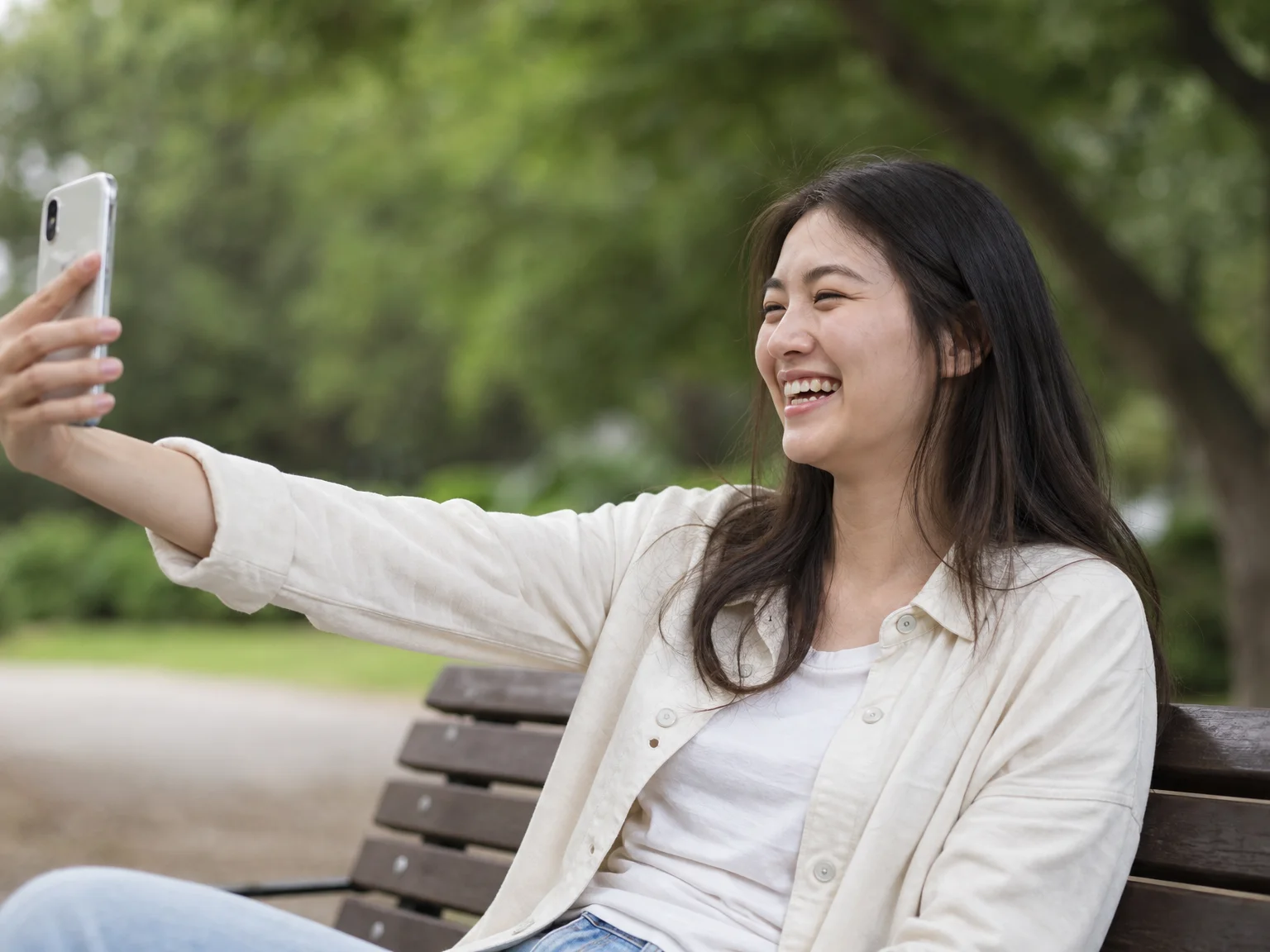
Edit for light and color first, skin second, and stop before you smooth away texture. Fix exposure, white balance and contrast before you touch anything related to your face. If you use a beauty or retouch tool at all, keep it subtle enough that pores, fine lines and skin texture are still visible. Heavy skin smoothing is the fastest way to make a selfie look like a filter wearing a person instead of a photo of you.
What Not to Do: Natural vs. Over-Filtered
Use this as a gut check before you post:
| Element | Looks natural | Looks over-filtered |
|---|---|---|
| Skin | Visible texture, slight shine or redness in places | Smoothed to a uniform, poreless surface |
| Eyes | Normal size and spacing for your face | Noticeably enlarged or reshaped |
| Jaw and nose | Matches the rest of your proportions | Slimmed or narrowed in a way that shifts your face shape |
| Light | Soft shadows that follow the room's actual light | Flat, shadowless "beauty mode" glow |
| Expression | Caught mid-moment, slightly imperfect | Held, symmetrical, camera-ready |
If a photo fails two or more of the "over-filtered" column, dial the edit back rather than adding more.
Quick Fixes for Common Selfie Problems
- Mirror selfies look grainy or crooked: clean the mirror, square your shoulders to it, and shoot a few feet back rather than close up.
- Group selfies cut people off: switch to the rear camera and a timer so everyone can see the frame before it fires, or use a wider lens setting if your phone has one.
- Photos look soft or smudged: wipe the front lens on your shirt before you start. Pocket lint on a front camera is a common, invisible cause of hazy shots.
- You look washed out indoors at night: move closer to a lamp placed at eye level rather than relying on the flash, which flattens features and blows out skin tone.
When You Want the Shot Without Retakes
Even with a solid routine, there are days you don't have the light, the outfit or the time for a dozen takes. That's the specific problem Replure is built for: it models your verified likeness into a scene with a pose, outfit and backdrop you choose, so you get a finished shot without the retake loop. JiveDrobe pairs with it by letting you save locations, outfits, poses and accessories you like and mix them into a new shot later instead of starting from scratch each time. And once you have a shot you're happy with, Widggles can display your Replure creations as a home-screen widget on friends' phones, so the people who already follow your feed see it there too.
None of that replaces the basics in this guide. Good light, a good angle and a relaxed expression still make the difference between a photo that looks like a snapshot and one that looks like you on a good day.
FAQ
What's the best light for taking a selfie indoors? Face a window during the day rather than standing under an overhead light. Soft, even light from the side or front avoids the harsh shadows under your eyes and chin that direct overhead light or on-camera flash create.
Should I hold my phone above or below eye level for a selfie? Above. Raise the camera a little higher than your eyes and tilt the screen down toward your face, then drop your chin slightly rather than lifting it. Holding the phone level with your chin exaggerates the angle under your jaw.
How many photos should I take in a selfie burst? Around 5 to 10 in a row. Faces shift slightly between blinks and breaths, so a short burst gives you real options instead of being stuck with one frame.
Is it okay to edit a selfie before posting it? Yes, as long as you edit light. Adjust exposure, white balance and contrast first, and if you touch skin at all, keep it subtle enough that your real texture, like pores and fine lines, is still visible.
Why do my selfies look distorted or stretched? Front cameras use a wide-angle lens, and holding the phone close to your face stretches whatever is nearest the lens, usually your nose or forehead. Back up, add distance, and use 1x or 2x zoom instead of shooting at arm's length on the widest setting.
What's the fastest way to improve a selfie without an editing app? Face a window, raise the camera above eye level, relax your jaw before you smile, and shoot a burst instead of a single frame. Those four adjustments take under five minutes and fix most of what makes a selfie look stiff or flat.
Show up as the real you
Repfie is the social platform where every profile is a verified, real person. Share your best shots, grow a following that trusts you, and earn from real recommendations.
Join Repfie free →