The Best Photoshoot Apps for Phone Portraits (and How to Use Them Without Looking Fake)
The best photoshoot apps for phone portraits, grouped by job: camera control, timer and remote, light, and editing, with a keep-it-real rule for each.
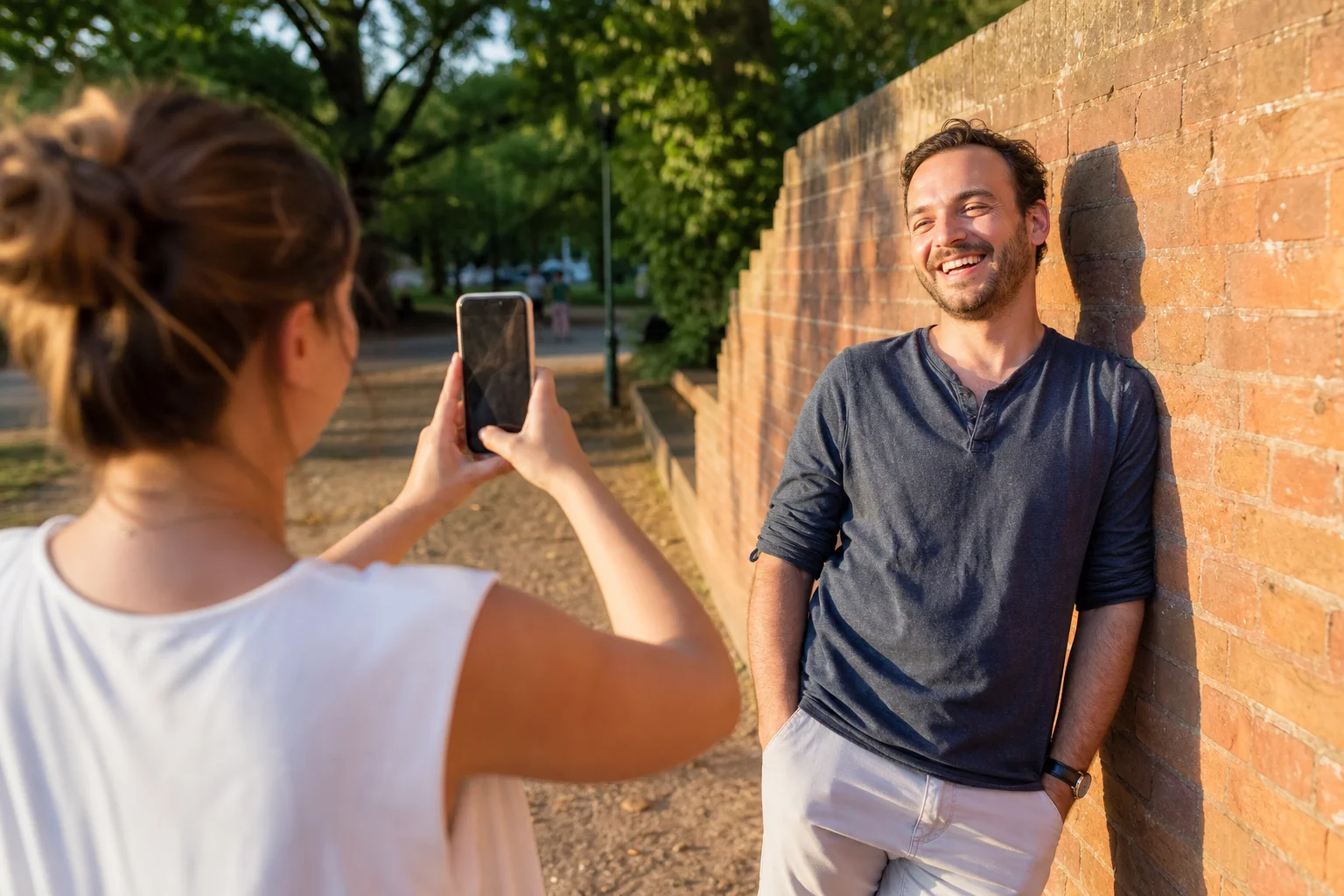
A good phone photoshoot doesn't come from one app. It comes from four different jobs: controlling the camera, triggering the shutter without someone hovering over your phone, finding flattering light, and editing afterward without erasing yourself. Below is a fair look at real apps for each job, plus a "keep it real" rule so the results still look like you walked past a mirror and recognized yourself.
What do "photoshoot apps" actually cover?
Most lists that rank for this term are editing-app roundups wearing a bigger title. A genuine phone photoshoot needs camera control (manual focus, exposure, RAW), a way to trigger the shot from a distance, a way to find or measure good light, and editing tools to finish the photo. Skipping the first three and jumping straight to editing is why a lot of phone portraits look flat before a single filter is even applied.
Camera control apps: shoot like you brought a real camera
Camera control apps unlock manual focus, exposure, and often RAW capture that your phone's default camera app hides behind "auto."
- Halide (iOS) gives you manual focus, shutter, and ISO control along with RAW capture, useful when backlighting or a dim room confuses your phone's automatic metering.
- Open Camera (Android) is a free, open-source camera app with manual controls, a live histogram, and grid overlays for composition.
- Most phone camera apps also have a hidden "Pro" or "Manual" mode under their settings or a swipe menu, worth checking before you download anything new.
Keep it real rule: Manual controls are for exposure and focus, not your face. Skip any "beauty," "smooth skin," or "slim face" toggle inside the camera app itself. Once that's baked into the shot at capture time, you can't undo it later, and it's the fastest way to end up with a photo that doesn't look like you.
Timer and remote apps: get in your own photos without someone hovering over the phone
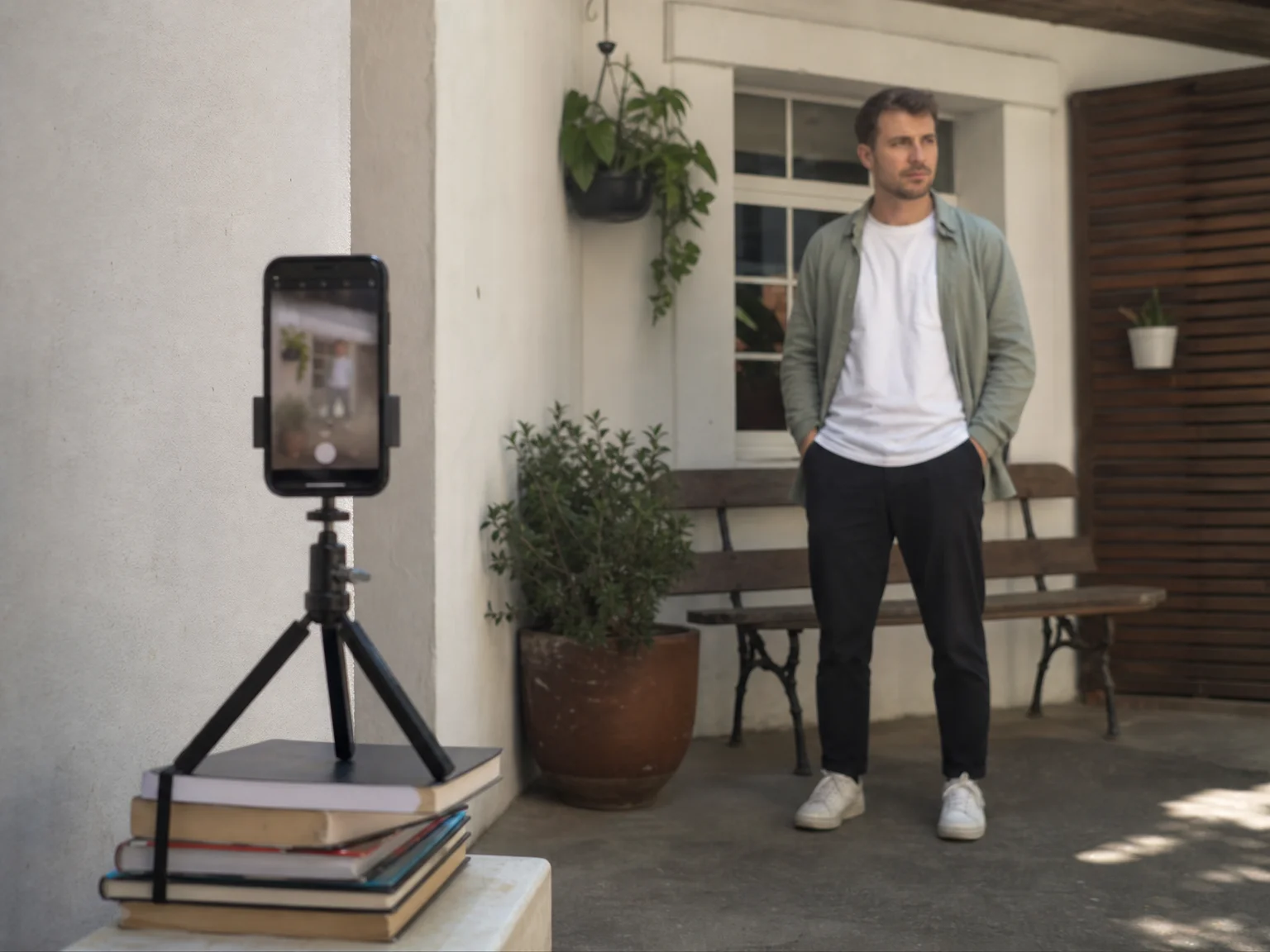
A timer or remote app lets you step away from the phone and act naturally in the shot instead of holding the camera at arm's length.
- The built-in timer in both the iOS and Android camera apps (usually a 3 or 10 second delay, often with burst mode) covers most solo or two-person shoots.
- Bluetooth remote shutter clickers, paired with a camera app that supports them, let you trigger the shot from across the room without a countdown.
- Some camera apps add motion or gesture detection, so a wave or a hand signal fires the shutter instead of a timer.
Keep it real rule: Once you're not holding the phone, step back a few extra feet and zoom in slightly instead of shooting up close with a wide lens. Phone cameras distort faces at close range, exaggerating noses and foreheads, so the farther-back-and-zoomed-in setup gives a flatter, more natural perspective that's closer to how you actually look to someone standing in front of you.
Light apps: find flattering light instead of faking it later
Light apps help you find or measure good natural light on location, so you need less correction once you're editing.
- Sun position and golden hour planner apps show you where and when the sun will hit a location, useful for timing an outdoor shoot around soft, low-angle light instead of guessing.
- Light meter apps use your phone's sensor to read the actual exposure in a room or outdoor scene before you shoot, handy for consistent results across several shots in changing light.
Keep it real rule: Light should reveal your real skin tone and texture, not hide it. Shooting straight into harsh overhead sun creates deep shadows that editing apps then try to "fix" with heavy correction, which is how a photo starts looking artificial. Open shade, a window, or the hour just after sunrise or before sunset usually needs far less editing to begin with.
Editing apps: enhance the photo, not your face
Editing apps are the most crowded category, and the fair answer is that a handful of established ones cover almost everyone's needs.
- Adobe Lightroom Mobile gives you the same exposure, color, and tone controls as desktop Lightroom, applied directly to photos from your camera roll.
- Snapseed (Google) is a free app with precise local adjustments, including brush-based tools for dodging, burning, and selective color changes in just part of a photo.
- VSCO combines filter presets with manual adjustment sliders, and is popular for keeping a consistent look across a whole feed.
Keep it real rule: Edit the photo (exposure, color, cropping, straightening), not your face (jaw, nose, skin texture). If a before-and-after would make a close friend do a double take, pull the sliders back.
Even with the right camera settings, timing, and light, you're still limited to whatever pose, outfit, and backdrop you can physically arrange in one sitting. That's the real bottleneck behind most "retakes," you liked the light at the park last weekend, you liked an outfit from a photo two months ago, and combining them means doing the whole shoot over again. Repfie's Replure solves that specific problem: it models your verified likeness into a scene with a pose, outfit, and backdrop you choose, so you get the shot without re-shooting to make the combination work. JiveDrobe handles the planning side, letting you save locations, outfits, poses, and accessories you already like and mix them into a new shot instead of starting from zero.
How do you use any of these apps without looking fake?
The short version: use each app for the job it's built for, and stop before any tool starts changing your actual features.
- Use manual camera settings for exposure and focus, never for face shape or skin texture.
- Shoot from a few steps back with slight zoom instead of close-up with a wide lens.
- Use light apps to plan around good natural light, not to patch over bad light afterward.
- Edit color, exposure, and cropping. Skip anything labeled "slim," "smooth," or "beautify" on a face.
- If you're not sure whether an edit went too far, ask whether a friend would recognize you from it instantly. If the answer is no, dial it back.
Still not getting the shot? It's usually the setup, not the apps
If you've tried the camera, timer, light, and editing apps above and the result still isn't what you pictured, the gap is usually the pose, outfit, or location you had access to that day, not a missing app. Replure models your verified likeness into a scene with the pose, outfit, and backdrop you pick, so a shot you didn't get to take in person is still a shot you get to use. JiveDrobe keeps a running library of the locations, outfits, poses, and accessories you've liked, so the next shot can mix and match them instead of requiring a fresh setup every time. Both work with your actual verified likeness, so what comes out still looks like you, just in the scene you wanted instead of the one you happened to be standing in.
FAQ
Do I need a manual camera app, or is my phone's default camera enough? For most portraits the default camera is fine. A manual or RAW app like Halide (iOS) or Open Camera (Android) helps when the automatic settings guess wrong, such as in backlit or low-light scenes where you want direct control over focus and exposure.
How far should I stand from someone for a natural-looking phone portrait? Standing a few steps back and using a slight zoom instead of shooting up close with a wide lens avoids the distortion that makes noses and foreheads look larger than they actually are.
What's a good free camera app for Android? Open Camera is a free, open-source option with manual controls, a live histogram, and grid overlays, which makes it a solid choice for phone portraits without paying for an app.
How do I stop my edited photos from looking fake? Limit edits to exposure, color, cropping, and straightening, and skip skin-smoothing, face-slimming, or "beautify" sliders. Apps like Lightroom Mobile and Snapseed both let you adjust tone and color without touching the shape of your features.
Can an app give me a finished photoshoot without an actual shoot? Repfie's Replure can model your verified likeness into a scene with a pose, outfit, and backdrop you choose, so you end up with a finished shot without re-shooting to get that exact combination right.
Show up as the real you
Repfie is the social platform where every profile is a verified, real person. Share your best shots, grow a following that trusts you, and earn from real recommendations.
Join Repfie free →