Black and White Photography on Your Phone: When to Use It and How to Edit Portraits That Still Look Like You
Learn which scenes work in black and white, how to set up your phone camera, and a 5-step edit that keeps portraits looking like real skin.
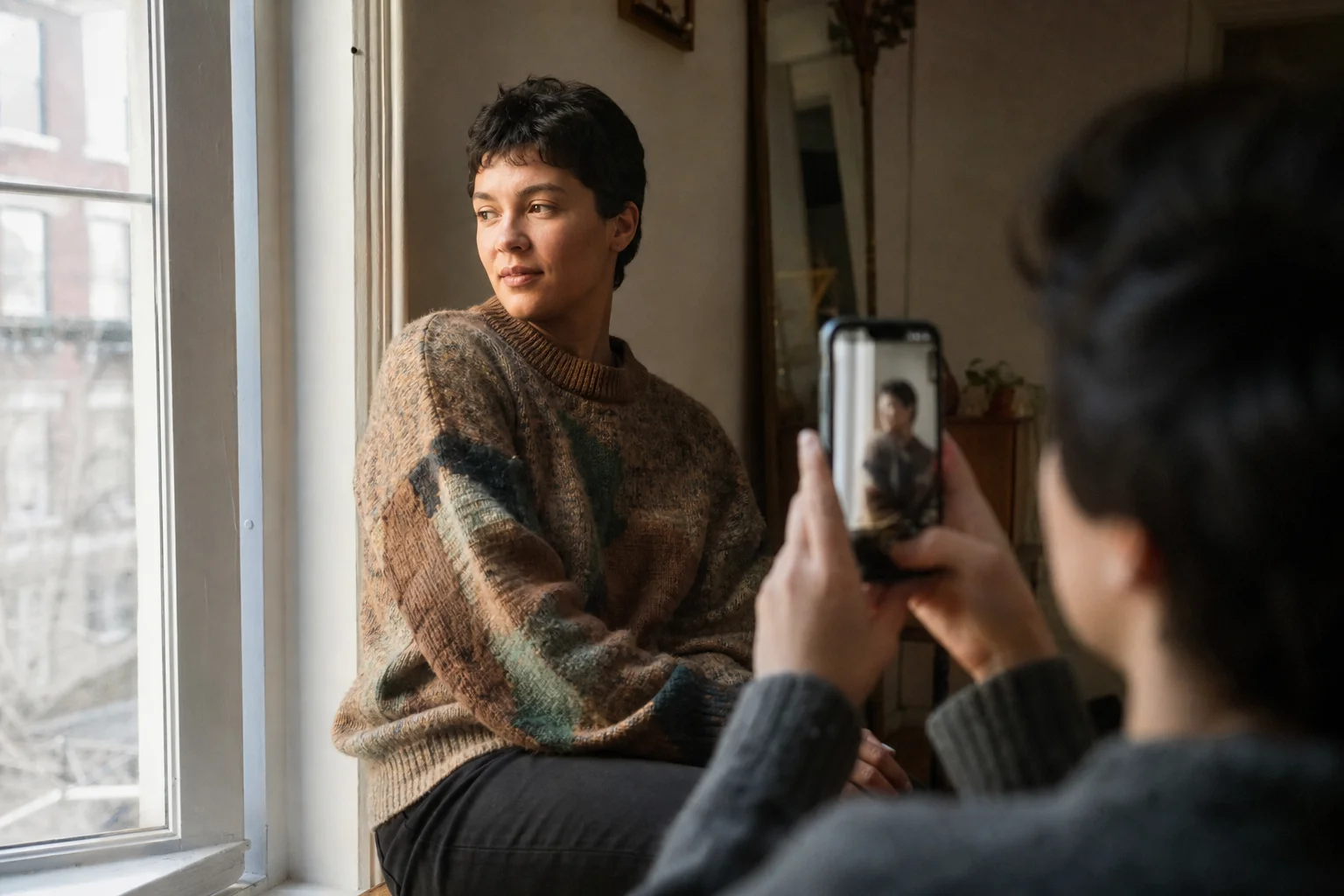
If you've searched black or white photography expecting a this-or-that debate, here's the short version: color isn't a choice you make before you shoot, it's a choice you make after, once you can see whether the scene has the contrast, texture or light to support it. The scenes that work are the ones with strong light direction, visible texture or a background that's more distracting than useful. The ones that don't are flat, evenly lit, or built around color doing the one job color does best. This guide covers which scenes to shoot for black and white, how to set up your phone so you don't lose detail, and a five-step edit that keeps skin looking like skin instead of flat gray plastic.
Which Scenes Actually Work in Black and White?
Black and white photography works when a scene already has strong contrast, visible texture or directional light, because removing color leaves those three things to carry the whole image.
Specific examples worth shooting for:
- Window light portraits. One side of the face lit, the other side falling into shadow. The contrast between light and shadow is what gives a black-and-white portrait its shape (more on the exact angle below).
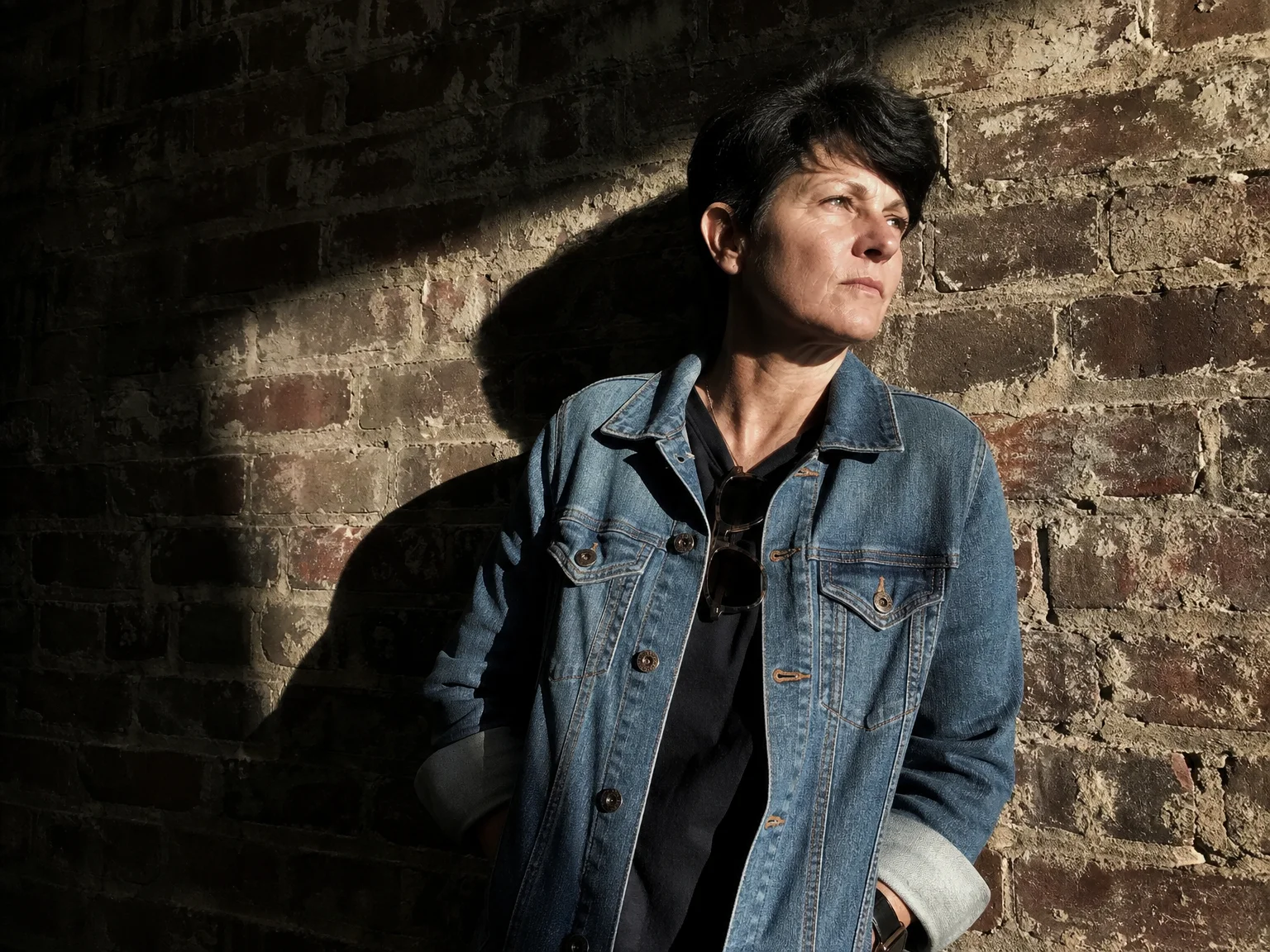
- Texture-heavy subjects. Brick, wood grain, denim, a cable-knit sweater, weathered hands, skin with visible freckles or pores. Color often distracts from texture; removing it makes texture the subject.
- Busy or color-clashing backgrounds. A backdrop with five competing colors becomes a backdrop with five shades of gray, and the person standing in front of it stops fighting the background for attention.
- Backlit or silhouette shots. A bright window or doorway behind the subject, their outline sharp against it. Color photos of backlit scenes often go muddy; black and white makes the shape the point.
- Overcast, foggy or rainy days. Flat gray skies that look dull in color frequently read as moody once you strip the color out, because the mood was already there in the tones.
Which Scenes Should Stay in Color?
Skip black and white when color is the subject itself, or when the light is flat with nothing to carve out shape.
That means leaving color alone for sunsets, colorful food, flowers, or anything where hue is the actual point of the photo. It also means skipping it for an outfit and backdrop you styled on purpose to match or complement each other, since converting that to grayscale throws away the work you did. And it means being honest about flat midday light with no shadow side: removing color from a flat photo just gives you a flat gray photo. Fix the light first, or keep the color.
How Should You Set Up Your Phone Camera for Black and White?
Shoot in color and convert later. Phone cameras generally capture more tonal detail in a color file, which gives you more to work with once you start adjusting contrast and tone in editing.
A few practical settings to check before you shoot:
- Use a black-and-white filter to preview, not to commit. If your phone has a black-and-white style or filter, use it to see the shot while you frame it, then shoot the full-color (or RAW, if your phone offers a "Pro" mode) version so you still have color data to adjust later.
- Turn off beauty or smoothing filters. They flatten texture, which is the exact thing black and white depends on to look real instead of plastic.
- Light the subject from one side. A reliable starting point is positioning the subject at roughly a 45-degree angle to a window, so one side of the face catches light and the other falls into shadow.
- Expose for the lit side of the face. Tap that side of the screen to set exposure, then nudge it down slightly so the highlight doesn't blow out completely. You can brighten shadows later in editing; you can't recover a blown-out highlight.
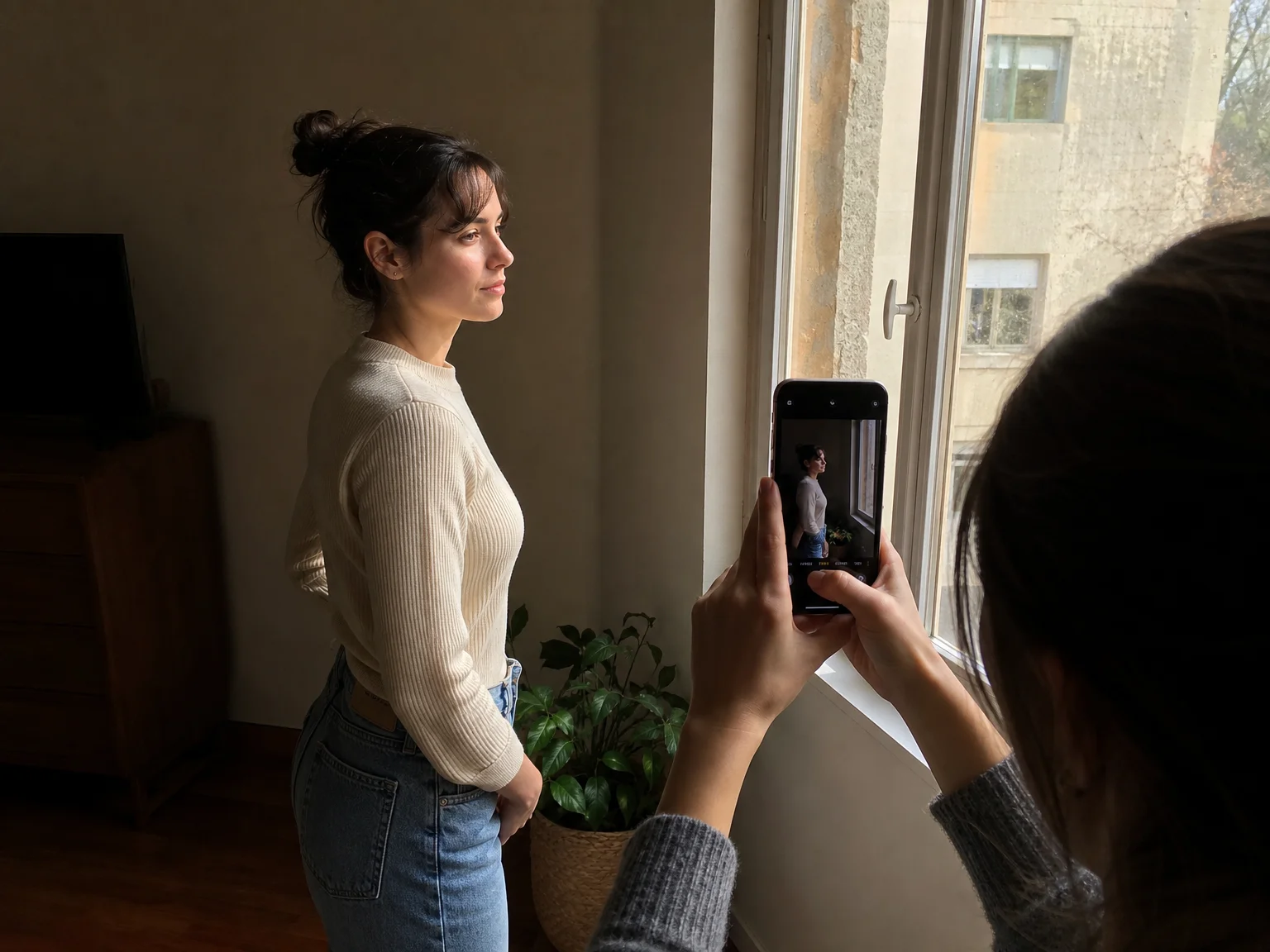
What's the Five-Step Edit That Keeps Portraits Looking Like Real Skin?
The fastest way to ruin a black-and-white portrait is to desaturate it and crank up contrast. Skin needs its own, gentler pass, or it turns blotchy, patchy or flat gray.
- Start from a properly exposed color photo. A flat or underexposed original won't gain contrast just because you remove color; fix exposure first.
- Convert with a black-and-white or desaturation tool, not a one-tap filter preset. This gives you individual tone controls instead of locking you into someone else's contrast curve.
- Find the color-mixer or "black and white mix" panel in your editor and raise the orange and red channels slightly. Skin tones map to orange and red even after color is removed, so nudging those channels up keeps skin looking soft and even instead of dark and uneven.
- Add contrast and clarity to the areas you want to pop, like hair, fabric or background texture, but hold back on skin specifically if your editor allows local or masked adjustments. This keeps a sweater's texture crisp while keeping skin smooth without erasing it completely.
- Compare the edited version next to the original color photo at full size. If the person doesn't look like themselves anymore, contrast or shadows went too far. Pull back until they do.
That last step matters most. The goal of a good black-and-white portrait isn't a dramatic, unrecognizable stranger, it's the same person, with the clutter of color removed so the light and texture can do the talking.
Want That Portrait Without Rebuilding the Lighting Setup Every Time?
Finding the right window, the right angle and someone willing to hold the phone takes real effort, and not every day has good light to work with. Repfie's Replure solves the retake problem by modeling your verified likeness into a scene with a chosen pose, outfit and backdrop, so you can get the shot without setting up lighting from scratch every time you want one.
And once you've found a window-light angle or a textured wall you actually like, JiveDrobe lets you save that location, outfit, pose or accessory and mix it into a new shot later, instead of trying to remember exactly how you stood or where the light fell last time.
FAQ
Does black and white photography work for selfies? Yes, as long as there's directional light. Angle your face toward a window instead of facing it head-on, so one side catches light and the other falls into shadow. Flat, head-on light from a ring light or overhead fixture gives black and white nothing to work with.
What's the best light for black and white portraits? Soft, directional daylight from one side, such as a large window at roughly a 45-degree angle, works best. It creates enough contrast between the lit and shadow sides of the face to carry the photo once color is removed.
Should I shoot in black and white mode or convert from color later? Shoot in color and convert later. Phone cameras generally capture more tonal detail in a color file, which gives you more room to adjust contrast and tone during editing. Use any built-in black-and-white filter to preview the shot, not as the final file.
Why does my black and white portrait look blotchy or gray? This usually happens when a photo is desaturated without adjusting skin tones separately. Look for a color-mixer or black-and-white mix panel in your editor and raise the orange and red channels slightly, since skin maps to those channels even after color is removed.
Can any color photo be converted to black and white well? No. Photos with flat, even lighting and no strong texture usually look dull once color is removed, because color was doing the visual work. Black and white photography works best on photos that already have contrast, texture or directional light.
Sources: digital-photography-school.com; adobe.com; creative-photographer.com.
Show up as the real you
Repfie is the social platform where every profile is a verified, real person. Share your best shots, grow a following that trusts you, and earn from real recommendations.
Join Repfie free →