Golden Hour Photography With Your Phone: Timing, Poses and Settings for Warm Portraits
A phone-only field guide to golden hour photography: how to find your exact window, where to stand relative to the sun, phone settings to lock, and three easy portrait setups.
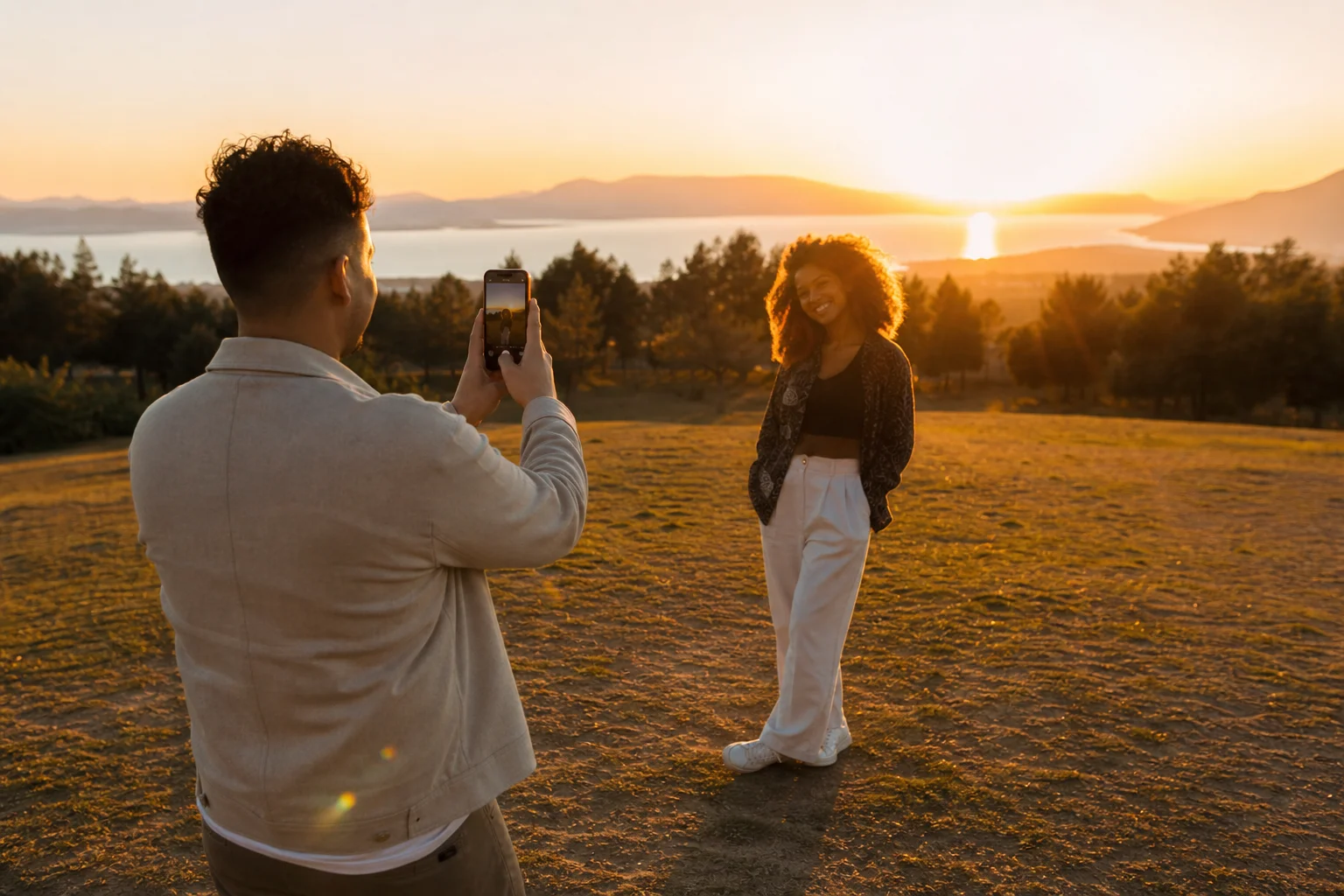
You don't need a camera bag to get a great golden hour portrait. You need to know when your window opens, where to put the sun relative to your subject, and how to stop your phone from "fixing" the shot for you. That's it. Here's the whole process, from finding tonight's light to the last edit.
What golden hour actually is (and how long you get)
Golden hour is the stretch of time shortly after sunrise or before sunset when the sun sits low enough that daylight turns redder and softer than it is at midday. It isn't a fixed 60 minutes. According to Wikipedia's entry on the topic, the effect has no clearly defined duration: it runs shorter near the equator and stretches longer the farther you are from it, and it shifts with the seasons too. During that window, daylight color temperature runs around 3,500 K, noticeably warmer than the roughly 5,500 K of overhead midday sun, which is why everything looks gold instead of white.
Practically, that means the golden hour you get in July is not the golden hour you get in December, and the one you get at your latitude is not the one a friend gets somewhere else. Don't plan around "the last hour of the day" as a rule. Plan around your actual sunset time.
Find your exact golden hour tonight
- Check tonight's sunset time in your phone's built-in weather app or a maps app, not a memory of "around 7ish."
- Count back 30 to 45 minutes from that sunset time. That's when the light starts turning warm and directional rather than flat and white.
- The last 10 to 15 minutes before sunset is usually the most dramatic: longest shadows, deepest orange, easiest to get rim light and lens flare.
- If you miss sunset, blue hour follows for a few minutes after, cooler and moodier, good for a completely different look but not a backup for warm portraits.
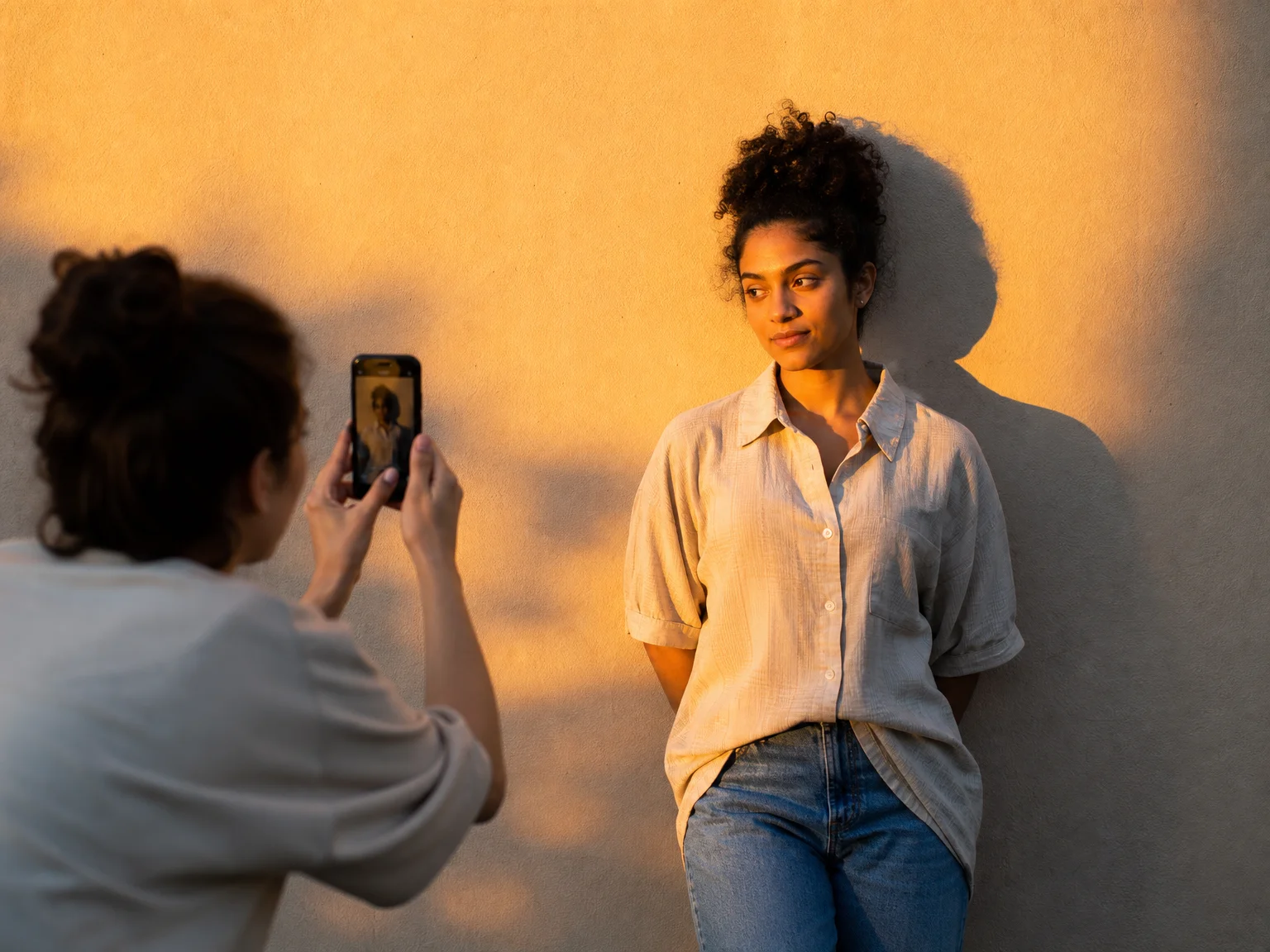
Set a phone alarm for 40 minutes before sunset. That single habit fixes most "I got there too late and the light was already flat" complaints.
Where to stand: backlight, side light and rim light
This is the part most golden hour guides skip for phone shooters: where you put the sun changes the entire photo, and you control it just by turning your subject's body.
Backlight. Put the sun directly behind your subject. Their face goes soft and slightly shadowed, the background blows out into a warm glow, and hair gets a halo around the edges. This is the classic golden hour look. The risk is a silhouette with no visible face, so keep reading for the exposure fix below.
Side light. Turn your subject so the sun hits them from the left or right rather than from behind. One side of the face catches warm, direct light; the other falls into soft shadow. This is the most flattering option for showing actual facial detail and skin texture, because you get shape and dimension instead of flat light or a silhouette.
Rim light. A middle ground: position the sun behind and slightly to one side of your subject, maybe a 20 to 30 degree angle off dead-center. You get a bright edge of light along hair and shoulders while the face still catches enough ambient light to read clearly. This is the most forgiving setup for a phone, since it doesn't demand as much exposure correction as a straight backlight.
In all three, keep the sun out of your subject's direct eyeline. Squinting ruins a portrait faster than any lighting choice. Have them close their eyes and open them right as you shoot, or have them look slightly off to the side instead of at the sun.
Lock exposure and focus on your phone
Auto mode will try to average the whole scene, which usually means a bright sky and a dark, underexposed face. Fix it manually:
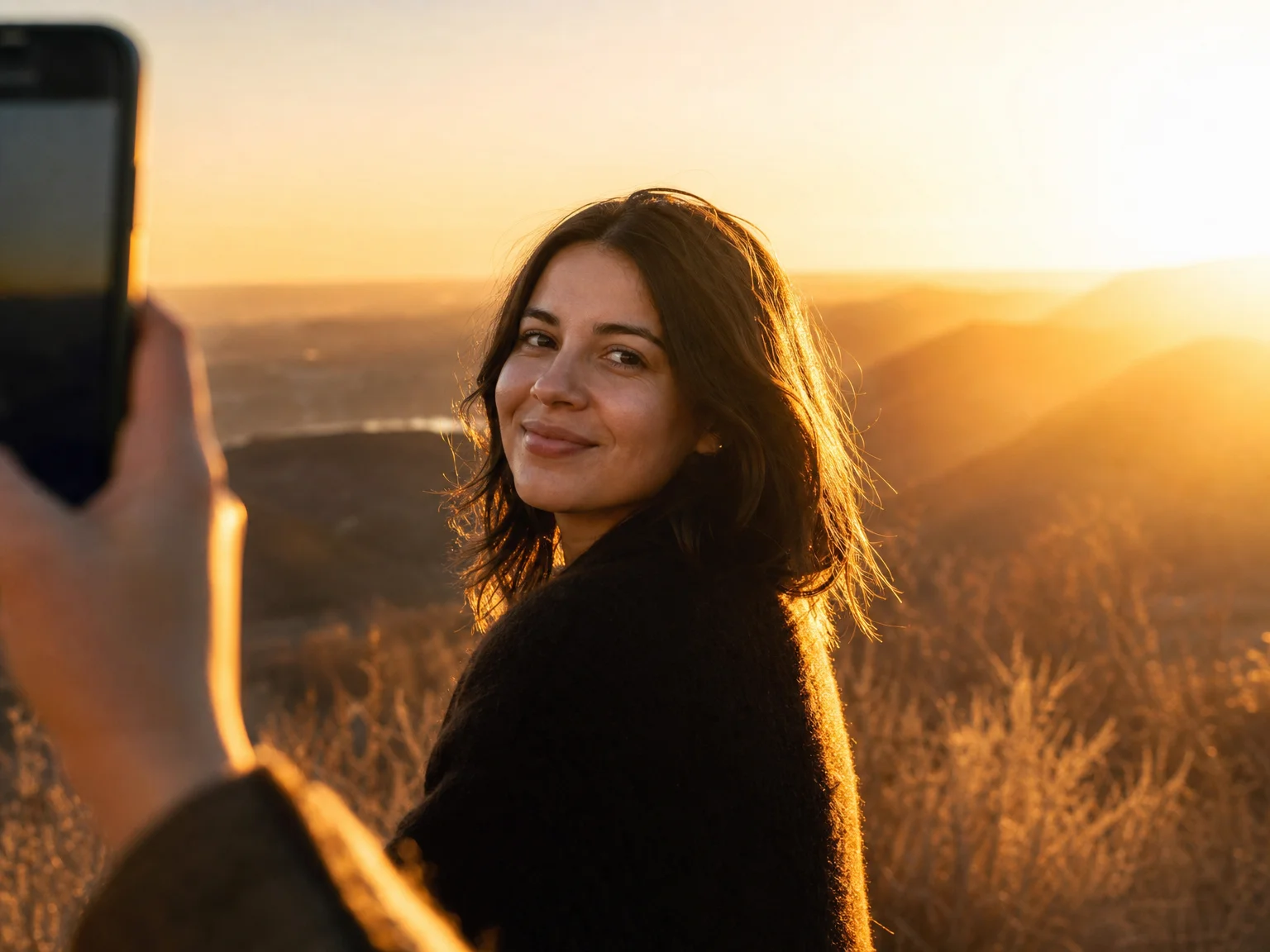
- iPhone: Open Camera, tap and hold on your subject's face until you see "AE/AF Lock." A sun icon appears next to the box. Slide your finger up or down on the screen to raise or lower exposure before you shoot.
- Android (most phones): Tap the face to focus, then drag the exposure slider that appears next to the focus box. On phones with a Pro or Manual mode, you can lock exposure and white balance directly instead.
- Once locked, exposure won't jump around as the sun moves behind clouds or your subject shifts position, which matters a lot in the fast-changing last 15 minutes of golden hour.
- Turn off automatic HDR or "Smart HDR" for this kind of shot if your phone lets you. It tends to flatten the exact contrast and warmth that makes golden hour work, pulling down highlights and pushing up shadows until the light looks ordinary again.
- Turn on the grid (Settings > Camera) so you can put your subject off-center against the sun instead of dead-center, which usually reads as a more natural, candid frame.
Three easy portrait setups (solo or with a friend)
1. The backlit walk. Have your subject walk toward you with the sun directly behind them. Shoot several frames as they move. Lock exposure on their face just before you start, and expect a slight glow around the hair as they pass through the brightest patch of light.
2. The side-light close-up. Stand your subject next to a plain wall, fence or tree line with the sun hitting them from the side. Shoot a close, simple portrait from the shoulders up. This is the easiest setup for showing real skin texture and detail rather than a glow or silhouette, so it's the one to use if the goal is a portrait that actually looks like the person.
3. The rim-light half-turn. Position the sun behind and about a quarter-turn off to one side. Have your subject turn their head just enough to catch light on one cheek while their hair catches the rim glow behind them. Take a few frames as they turn slightly more or less toward the sun; small changes in angle here make a big difference.
For all three, take more frames than feels necessary. The light changes by the minute in this window, and the shot that works will often be the fourth or fifth try, not the first.
Edit lightly so skin still looks like skin
Golden hour light is flattering enough on its own. Resist the filter that smooths skin, boosts saturation until everything looks orange, or slaps a heavy warm preset over the whole image. A few small adjustments go further:
- Nudge exposure and shadows up slightly if the face reads too dark against a bright sky.
- Pull highlights down a touch if the sky is blown out and distracting.
- Adjust white balance slightly cooler if skin tones look overly orange rather than warm.
- Leave skin texture alone. Pores, texture and small imperfections are what make a photo look like an actual person instead of a filtered avatar, and that's worth protecting on purpose, not just by accident.
A real, lightly-edited golden hour portrait reads as more trustworthy than a heavily smoothed one, and it holds up better next to your other photos over time.
The 20-minute before-sunset checklist
- [ ] Confirm tonight's sunset time in your weather app
- [ ] Set an alarm for 40 minutes before sunset
- [ ] Pick your spot and decide backlight, side light or rim light in advance
- [ ] Turn off auto HDR / Smart HDR
- [ ] Turn on the camera grid
- [ ] Tap to focus on the face, then lock exposure and adjust brightness
- [ ] Shoot in bursts as your subject moves or turns, don't stop at one frame
- [ ] Check a couple of shots at full zoom for focus before you pack up
- [ ] Edit lightly: exposure, shadows, highlights and white balance only
Golden hour rewards preparation more than gear. Know your window, pick your light direction, lock your settings, and you'll walk away with portraits that look like a professional shot them, on a phone that was already in your pocket.
FAQ
What time is golden hour exactly? It starts roughly 30 to 45 minutes before sunset and ends at sunset, then a similar window repeats just after sunrise. The exact length varies by season and by how far you are from the equator, so check your local sunset time rather than assuming a fixed hour.
Can I get good golden hour photos with just my phone, no separate camera? Yes. The light is doing most of the work already. What matters most is locking exposure and focus manually (tap and hold on most phones), turning off automatic HDR, and choosing where to stand relative to the sun.
Should I shoot with the sun behind me, in front of me, or to the side? All three work for different looks. Sun behind your subject (backlight) gives a soft glow and silhouette effect. Sun to the side gives the most visible facial detail. Sun behind and slightly to one side (rim light) gives a bright edge of light while keeping the face readable.
Why do my golden hour photos look flat or washed out? Auto HDR and auto exposure are usually the cause. They try to balance a bright sky against a shadowed face and end up flattening the warm contrast that makes golden hour distinctive. Lock exposure manually on the face and turn off automatic HDR before shooting.
How do I stop my subject from squinting into the sun? Keep the sun out of their direct eyeline. Position it behind them or to the side rather than in front, and have them close their eyes and open them right as you take the photo, or look slightly off to one side instead of at the light.
Sources: en.wikipedia.org.
Show up as the real you
Repfie is the social platform where every profile is a verified, real person. Share your best shots, grow a following that trusts you, and earn from real recommendations.
Join Repfie free →