How to Take Great Photos of People: 10 Phone-Friendly Tips for Natural Portraits
Learn how to take natural photography of people with just a phone: light, lens height, directing prompts instead of "smile," burst shots, and fast edits.
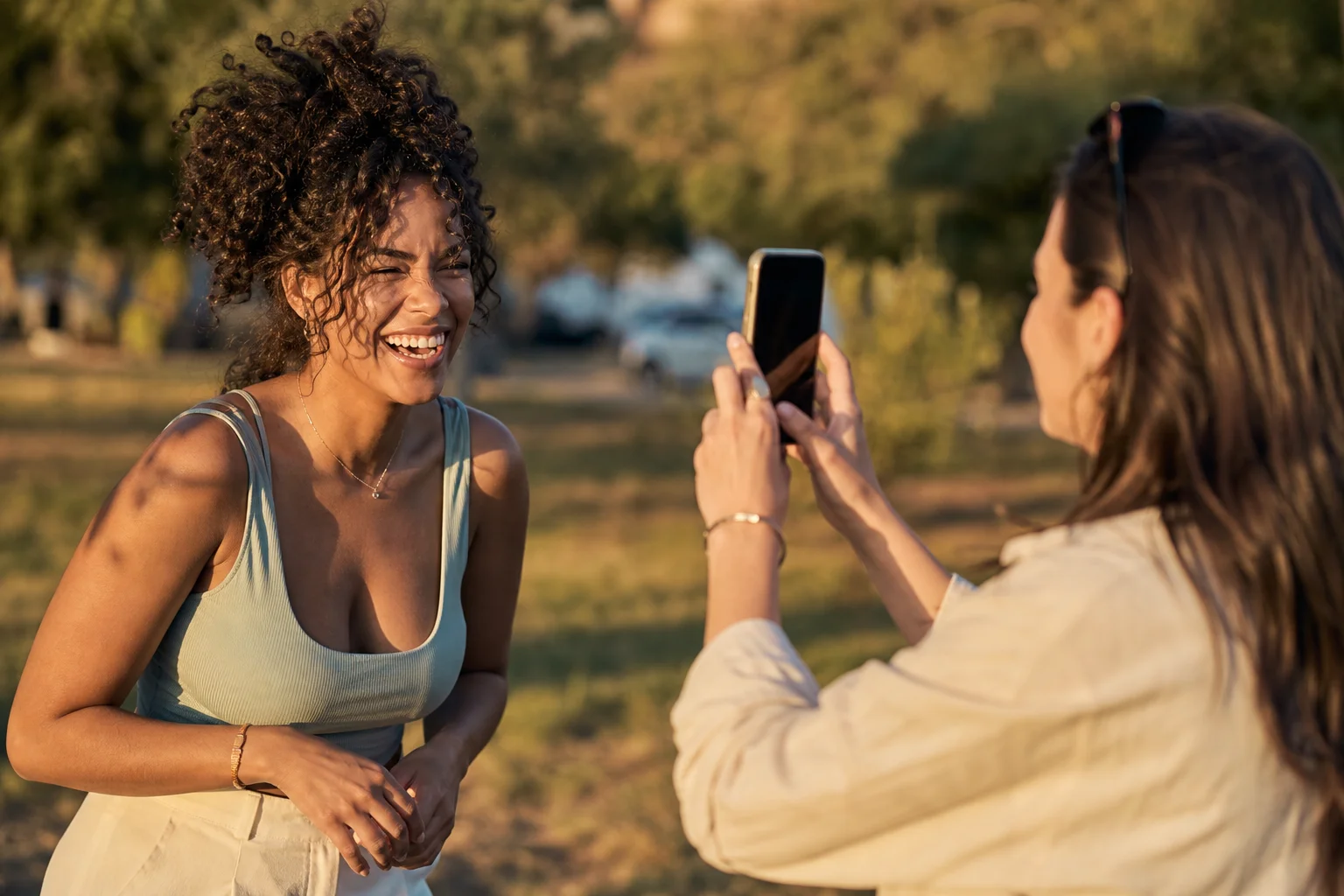
The best photography of people rarely starts with a pose. It starts with good light and a reason for your subject to move, talk, or react. These ten tips work with the phone you already have: find soft light, hold the camera at the right height, direct with a scene instead of "smile," shoot in bursts, and edit light. Try two or three of them on a friend or partner this weekend and you'll end up with portrait photos that look like real moments instead of stiff snapshots.
1. Find the Light Before You Find the Pose
Soft, directional light does more for a photo of a person than any pose, app, or filter. Before you ask anyone to stand anywhere, look for light first: a window with indirect daylight, a doorway in shade, or the hour just after sunrise or before sunset outdoors. Turn your subject so the light hits one side of their face at an angle instead of straight on; flat light from the front (including your phone's flash) tends to erase the shape of a face. If you're outside at midday, move into open shade, under a tree or an awning, rather than fighting direct overhead sun that casts hard shadows under the eyes.
2. Hold Your Phone at Eye Level, Then Try Slightly Above
Shooting from your subject's eye level produces the most natural, flattering photography photo portrait result, because it's the angle we see each other at in everyday life. If you want a slightly more polished look, raise the phone just a few inches above eye level and angle it down a touch; this softens the jawline and avoids the "looking up someone's nose" angle that comes from shooting low. Reserve a true low angle for intentional, dramatic shots, not for a casual portrait of a friend.
3. Trade "Smile" for a Scene
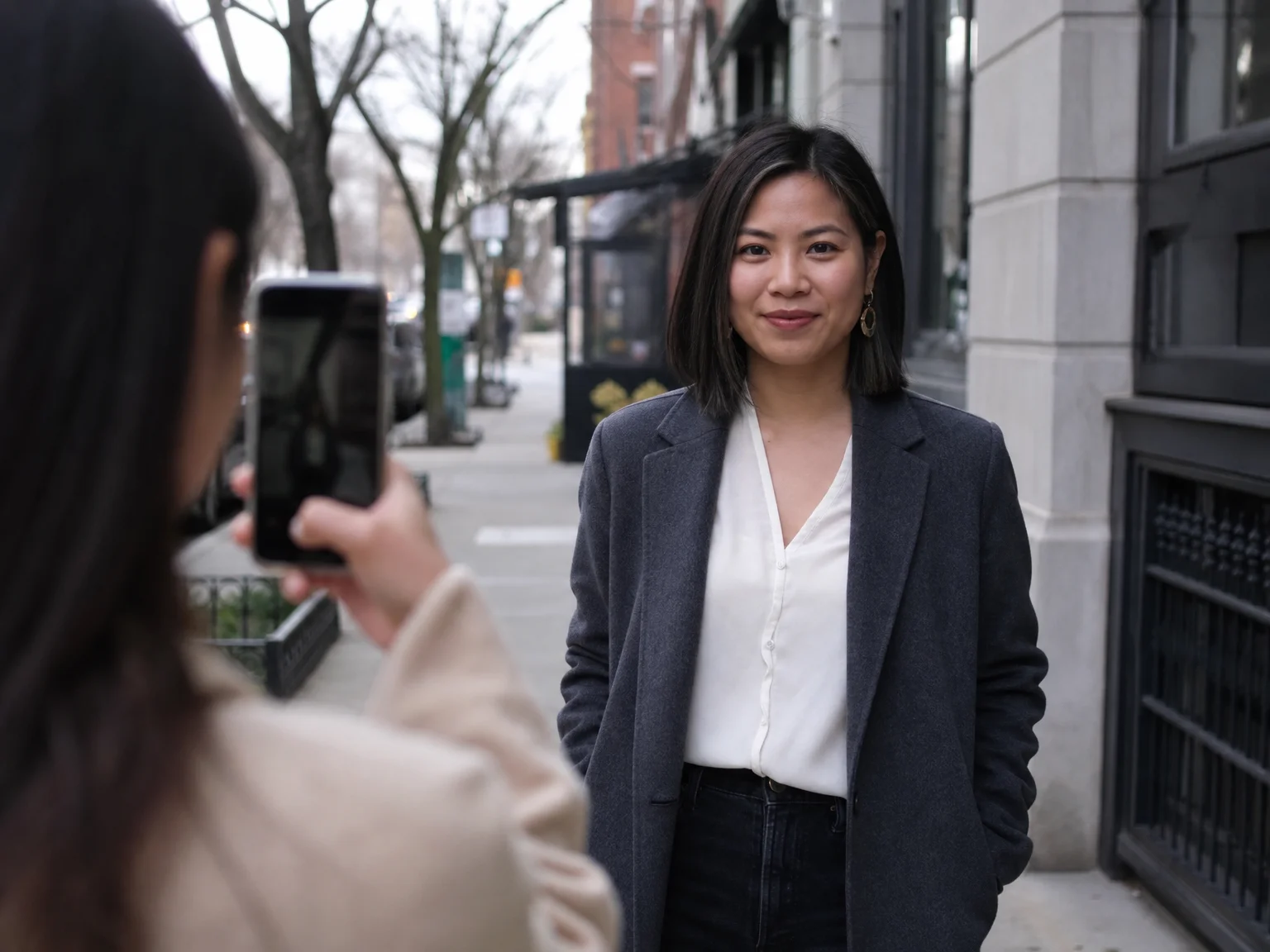
Giving someone a tiny scenario to react to produces a far more natural expression than asking them to smile on command. "Smile" almost always produces a held, performative face. Instead, give your subject something to do or imagine: "Tell me about the best trip you've ever taken," "Walk toward me like you just got good news," or "Look over there like you just heard your name." Watch for the half-second after they finish talking or turning, that's usually when the real expression shows up, not the moment they're posing for you.
4. Shoot in Bursts and Keep the In-Between Frame
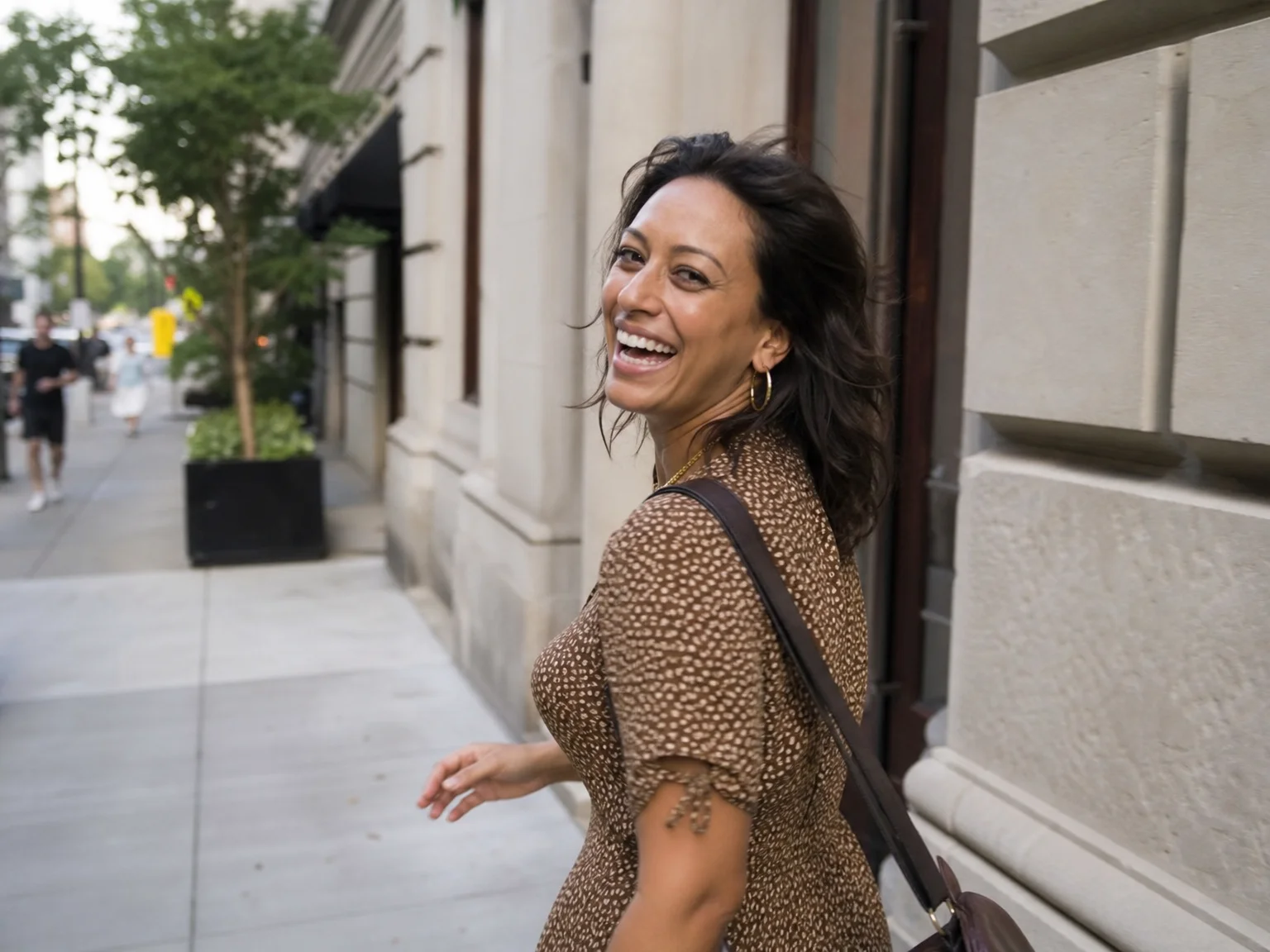
Burst mode catches the moments just before and after a posed smile, and those in-between frames are usually the most natural shots in the set. Hold down the shutter (most phones trigger burst by holding the shutter button or swiping it) through a laugh, a turn, or a response to one of your prompts, then scroll through afterward and pick the frame where the expression looks caught, not held. Delete the rest; you don't need to keep fifty nearly-identical shots to find the one good one.
5. Give Hands Something to Do
Unoccupied hands are the single biggest source of awkwardness in casual portraits. If your subject doesn't know what to do with their hands, give them a small job: hold a coffee cup, tuck one hand in a pocket, rest an arm on a railing, or play with their hair. A hand with a purpose reads as relaxed; a hand with no purpose reads as stiff, even when the rest of the pose is good.
6. Simplify the Background
A clean, simple background does more to make your subject the focus than a complex, "interesting" one. Look for a plain wall, a stretch of foliage, or an empty patch of sky, and put distance between your subject and whatever is behind them; the farther back the background sits, the softer and blurrier it will look on most phone cameras, especially in portrait or portrait-lighting mode. Scan the frame edges before you shoot for stray signs, poles, or trash cans that will pull the eye away from the person.
7. Get Closer Than Feels Comfortable
Filling more of the frame with your subject's face and upper body almost always makes a casual portrait stronger. New phone photographers tend to stand too far back, leaving a portrait surrounded by empty space. Step in until the face and shoulders fill a good portion of the frame, and when you crop, cut at the chest or just below the elbow rather than at a joint like the wrist or knee, which can look like an accidental amputation in the photo.
8. Shoot a Series, Not One Frame
Capturing a short series, wide, medium, and close, from the same moment gives you more usable shots than hunting for one perfect frame. Start wide to show the setting, move in for a medium shot of the full upper body, then go close for a tight portrait, repeating your scene prompt from Tip 3 if the moment is still working. This also protects you: if the close-up has a blink or an awkward hand, you'll likely have a usable medium or wide shot from the same series.
9. Edit Light, and Edit Fast
A quick, light edit (exposure, warmth, a touch of contrast) keeps a photo looking like the person, while heavy filters and skin smoothing tend to make it look like someone else. Open your phone's built-in editor, nudge brightness and warmth to match how the light actually felt, and stop there. If you find yourself reaching for a smoothing or reshaping tool, that's usually a sign the photo needed better light or a better angle in the first place, not more editing after the fact.
10. Note the Setup While It's Still Working
When a combination of light, location, outfit, and pose is working, write it down or screenshot it before you move on, so you're not starting from zero next time. A quick note like "west-facing window, 5pm, gray wall" or a screenshot of a pose you liked saves you from re-discovering the same good setup by trial and error on your next shoot.
Never Lose a Good Setup or a Good Shot
Tip 10 above is exactly the problem Repfie was built to solve for everyday photos. JiveDrobe saves the locations, outfits, poses and accessories you liked so you can mix them into a new shot later instead of trying to remember where that window light was or what you were wearing. And on the days your friend is busy, the light doesn't cooperate, or you just don't want to redo hair and outfit for the fifth retake, Replure models your verified likeness into a scene with a chosen pose, outfit and backdrop, so you get the shot without retakes.
FAQ
What is photography of people called? It's commonly called portrait photography when the focus is a person's face or expression, and people photography or candid photography when the shots are more about capturing someone in a moment rather than posing them.
What's the best way to take a natural photo of someone? Find soft, directional light first, shoot from eye level, give your subject a small scene or prompt to react to instead of asking them to smile, and shoot in short bursts so you can pick the in-between, unguarded frame.
Where should I hold my phone when photographing a person? Eye level is the most natural, flattering height for a casual portrait. A few inches above eye level, angled slightly down, softens the jawline; shooting from below is best saved for an intentionally dramatic shot.
Why do my phone portraits look stiff even when the person is smiling? A held smile on command usually looks posed. Giving your subject a mini scenario to react to, then shooting in burst mode and keeping the in-between frame rather than the posed one, produces a far more natural expression.
How much should I edit a portrait photo? Keep it light: adjust exposure, warmth and contrast to match how the light actually looked. Heavy filters or skin-smoothing tend to make the photo look like a different person rather than a better version of the same one.
Show up as the real you
Repfie is the social platform where every profile is a verified, real person. Share your best shots, grow a following that trusts you, and earn from real recommendations.
Join Repfie free →