Romance Scammer Photos: How to Tell If a Profile Picture Is Stolen or AI-Generated
Scammer photos are usually stolen from real people or increasingly AI-generated. Learn where they come from, how to reverse-image-search a photo, and how to spot an AI face.

Most scammer pictures fall into one of two buckets: a photo stolen from a real person's social media, modeling portfolio, or military profile, or a face built by an AI image generator that never belonged to anyone. You can check either kind in a few minutes with a reverse image search and a close look for AI artifacts, before you invest any trust, time, or money in the person behind the profile.
Where Do Scammer Photos Actually Come From?
Scammer photos are almost never original: they're lifted from real people's public accounts or increasingly generated from scratch by AI. The oldest and still most common source is simple theft: scammers scrape photos from Instagram, Facebook, LinkedIn, or dating profiles belonging to real people who have no idea their face is being used this way. Search volume for terms like "romance scammer photos male" and "scammer pictures male" shows people are specifically trying to check photos against known stolen images, often because a specific "type" of photo keeps showing up: a uniformed service member, a construction worker on an overseas job, a doctor with an international NGO, or a conventionally attractive model headshot.
Three source categories show up again and again:
- Real private citizens. Ordinary people whose public photos got scraped, often without ever finding out.
- Models, actors, and public figures. Professional headshots are easy to find in bulk, look convincingly polished, and rarely get flagged by the subject because they don't monitor every use of their image.
- Military personnel. A uniform photo signals trustworthiness and explains away why someone can't video call or meet in person, which is exactly why it's one of the most recycled categories in scam photo collections.
- AI-generated faces. Increasingly, scammers skip theft entirely and generate a face with an AI image tool. It belongs to no one, so a reverse image search often comes back empty, which can look reassuring but actually proves nothing.
What Are the Tell-Tale Signs of a Fake Profile Picture?
A handful of patterns show up in most stolen or AI-generated profile photos: too few photos, photos that all look professionally shot, and photos where the lighting or background style doesn't match from one picture to the next. Real people's photo collections tend to be a messy mix: posed shots, blurry ones, moments with friends, different cameras and years. Scammer collections tend to be curated like a portfolio.
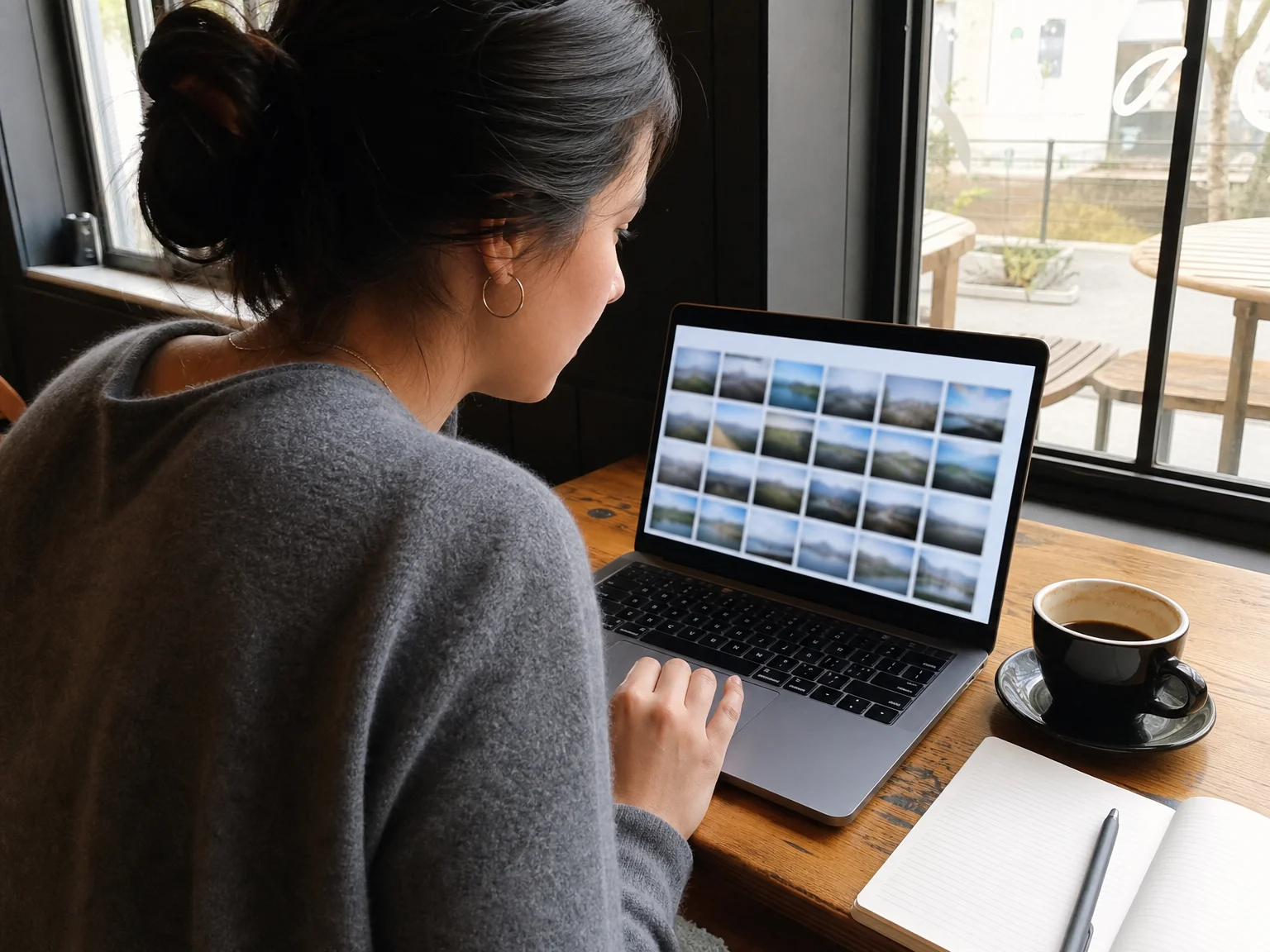
Watch for:
- Very few photos, or all from the same day or shoot. A real social history usually spans years and settings.
- Studio-quality lighting in every shot. Everyday selfies have inconsistent lighting; professional or AI-generated ones often don't.
- No tagged friends, comments, or interaction. A real account usually has a social trail.
- A profile that's brand new despite claiming years of life experience or an established career.
- Reluctance to send a new, specific photo (see the gesture-photo test below), or to video call at all.
How Do You Reverse-Image-Search a Profile Picture?
A reverse image search checks whether a picture appears anywhere else on the internet, which can reveal the real person it was stolen from or confirm it's never been posted before. The Federal Trade Commission specifically recommends this step when checking out an online love interest, since it can show "whether the image is associated with another name or with details that don't match up" (consumer.ftc.gov). Here's how to actually do it with three free tools:
- Google Images / Google Lens. On desktop, go to Google Images, click the camera icon, and upload the photo or paste its URL. On a phone, open the Google app, tap Lens, and point it at or upload the photo. Look at the "visually similar images" and any pages where the exact photo appears; if it's tied to a different name, a stock photo site, or someone else's long-running account, that's your answer.
- TinEye. Upload the image at tineye.com. TinEye is built specifically to find where an image has appeared before and roughly when, which is useful for spotting a photo that's been circulating under other names for years.
- Bing Visual Search. Open Bing, tap the camera icon in the search bar, and upload or snap the photo. Bing's index doesn't fully overlap with Google's, so it sometimes surfaces matches the others miss.
Run every photo on the profile through this check, not just one. Scammers sometimes mix one AI-generated or hard-to-trace photo with one or two genuinely stolen photos, so a clean result on the first image doesn't clear the rest.
The FTC also suggests a simple text-search companion to this: search the person's stated job plus the word "scammer," for example "oil rig worker scammer" or "army officer scammer," since many stolen photo sets are already catalogued by people who were targeted before you.
How Can You Tell If a Face Was Generated by AI?
An AI-generated face often returns no reverse-search matches at all, because it was never posted by a real person, so you have to look for construction artifacts instead of search results. According to a 2026 guide on spotting AI images, the details AI models still get wrong cluster around a few areas (reverseface.com):
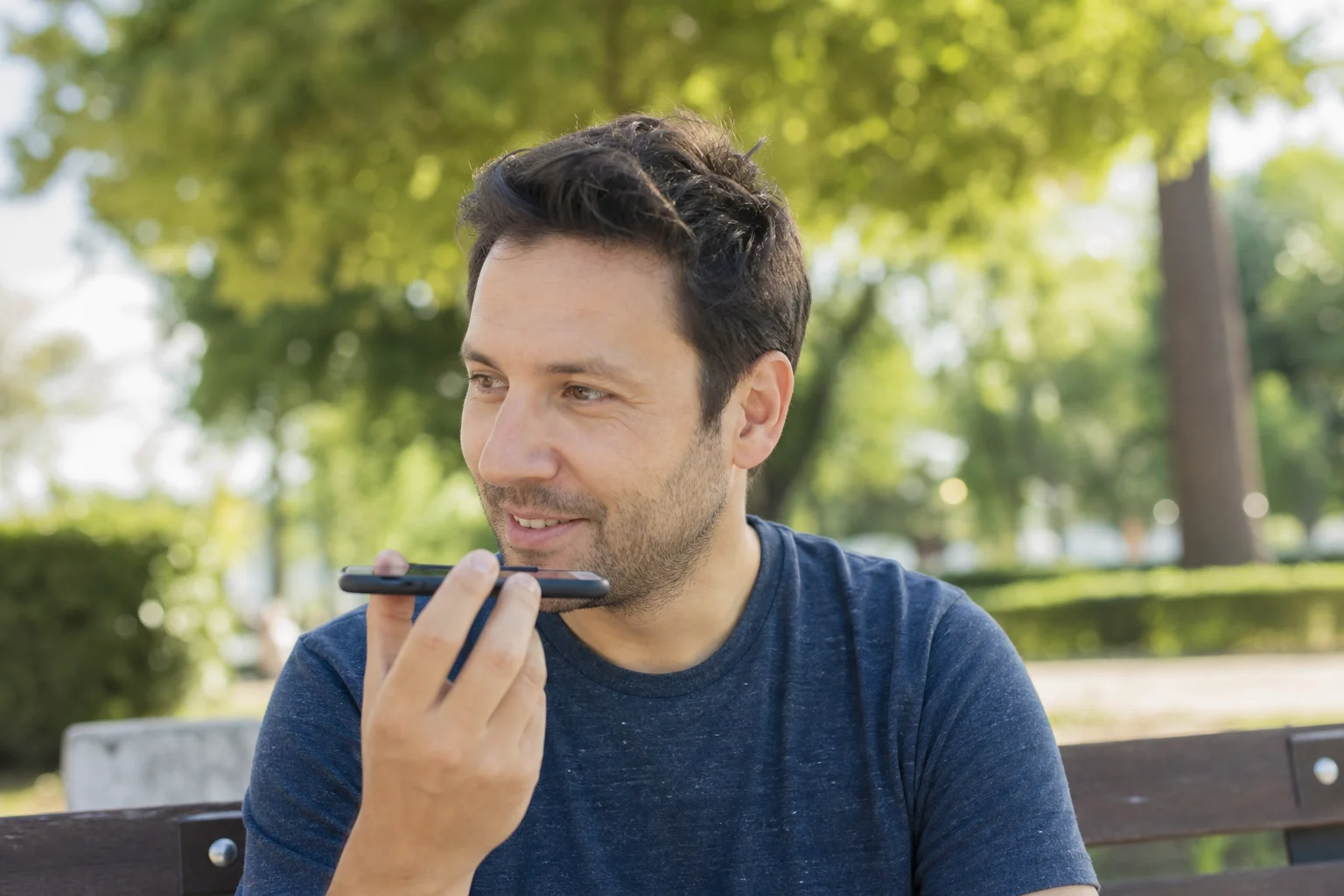
- Asymmetric or mismatched earrings, glasses, or accessories. AI models render each side of a face semi-independently, so jewelry and accessories are where mismatches are most common.
- Teeth that look too uniform or blend together. Count them in a smiling photo; AI-generated smiles sometimes show an odd number or a smooth, fused look.
- Hair that blends into the background. Zoom in on the hairline, especially at the edges, for strands that fade out or terminate abruptly instead of following a natural edge.
- Skin that's suspiciously flawless. No visible pores, no minor blemishes, an airbrushed evenness that real phone cameras rarely produce.
- A face that's a little too symmetrical. Real faces are slightly asymmetric; an unnervingly balanced face is worth a second look.
Two extra tests work well in conversation. First, ask for a brand-new photo with a specific, unusual gesture, like "send a selfie holding up three fingers." A real person can do this in a minute; a scammer reusing stolen or AI images typically can't produce it, or stalls. Second, pinch-zoom to 2-3x on any photo they do send; artifacts invisible at normal size often become obvious under magnification.
What Should You Do If Your Own Photos Are Being Used by a Scammer?
If you discover your photos have been stolen for a scam profile, the priority is reporting the fake account and limiting how easy your photos are to re-steal, not chasing down who's running it. Start with these steps:
- Report the impersonating profile to the platform it's on. Most social networks and dating apps have a dedicated impersonation or fake-account report option.
- Reverse-image-search your own profile photos every so often, the same way you'd check someone else's, to catch new fake accounts early.
- Tell your contacts. If someone reaches out saying they've been talking to "you" online, let your friends and followers know your real accounts so they don't get drawn in too.
- Point affected victims to ReportFraud.ftc.gov. If someone contacts you after being scammed by a profile using your photos, that's the FTC's official channel for them to file a report.
None of this guarantees your photos won't be taken again, especially once they've been public for years, but it shrinks the window a stolen photo stays useful and gets fake accounts taken down faster.
How to Spend Less Time Vetting Photos and More Time Talking to Real People
Checking every profile picture by hand is a reasonable habit, but it's also a sign of a bigger problem: photos alone can't prove who's on the other end of a conversation. Repfie is not a dating app, it's a social platform built around a different premise: every profile belongs to a verified, real person, not a photo collage assembled from someone else's life or an AI model.
Repfie's verified human profiles and likeness registration run a quick liveness check to confirm a person is real before they can represent themselves on the platform. Any AI creation made with that person's likeness is signed as theirs, and the liveness scan itself is deleted afterward and never sold or used to train AI. That means a verified profile on Repfie didn't get there with a stolen military headshot or a face assembled by a generator.
Once you know you're talking to a verified person, VoomChat makes it easier to actually connect: instead of a crowded inbox full of unverified strangers, you spend Repfie Tokens, the platform's in-app credits, to get your message to the front of someone's queue, and you earn Tokens back when someone Vooms you. And because a static photo is only one signal, Resonfy gives you a feed of short voice notes and voice replies, so you can hear a real voice attached to a real, verified profile instead of judging someone on pictures alone.
Verification reduces fake accounts; it doesn't eliminate every scam or deepfake, so the reverse-search and artifact-checking habits above are still worth keeping no matter where you're talking to someone.
FAQ
Are reverse image search tools like Google Images and TinEye free to use? Yes. Google Images, Google Lens, TinEye, and Bing Visual Search are all free and don't require an account for a basic search.
Can a scammer use a real photo and still pass a reverse image search? Yes. If a photo hasn't been indexed anywhere else online, a reverse search can come back empty even when the photo was stolen from a real person's private or little-shared account. An empty result is a weak signal on its own, not proof the photo is genuine.
What's the difference between a stolen photo and an AI-generated one? A stolen photo belongs to a real person who has likely posted it somewhere else, so a reverse image search often finds a match under a different name. An AI-generated face was never posted by anyone, so it typically returns no matches at all, but can show construction artifacts like asymmetric earrings, odd teeth, or hair blending into the background under close zoom.
What should I do if I find my own photos being used in a romance scam? Report the impersonating profile to the platform it's on, periodically reverse-image-search your own photos to catch new fake accounts, let your contacts know your real accounts, and point any affected victim to ReportFraud.ftc.gov, the FTC's official reporting channel.
Does a verified profile guarantee someone isn't a scammer? No. Verification, including Repfie's liveness check and likeness registration, reduces fake accounts and stolen or AI-generated profile photos, but it doesn't eliminate every scam or deepfake. The reverse-search and photo-checking habits in this guide are still worth using.
Sources: consumer.ftc.gov; reverseface.com.
Show up as the real you
Repfie is the social platform where every profile is a verified, real person. Share your best shots, grow a following that trusts you, and earn from real recommendations.
Join Repfie free →